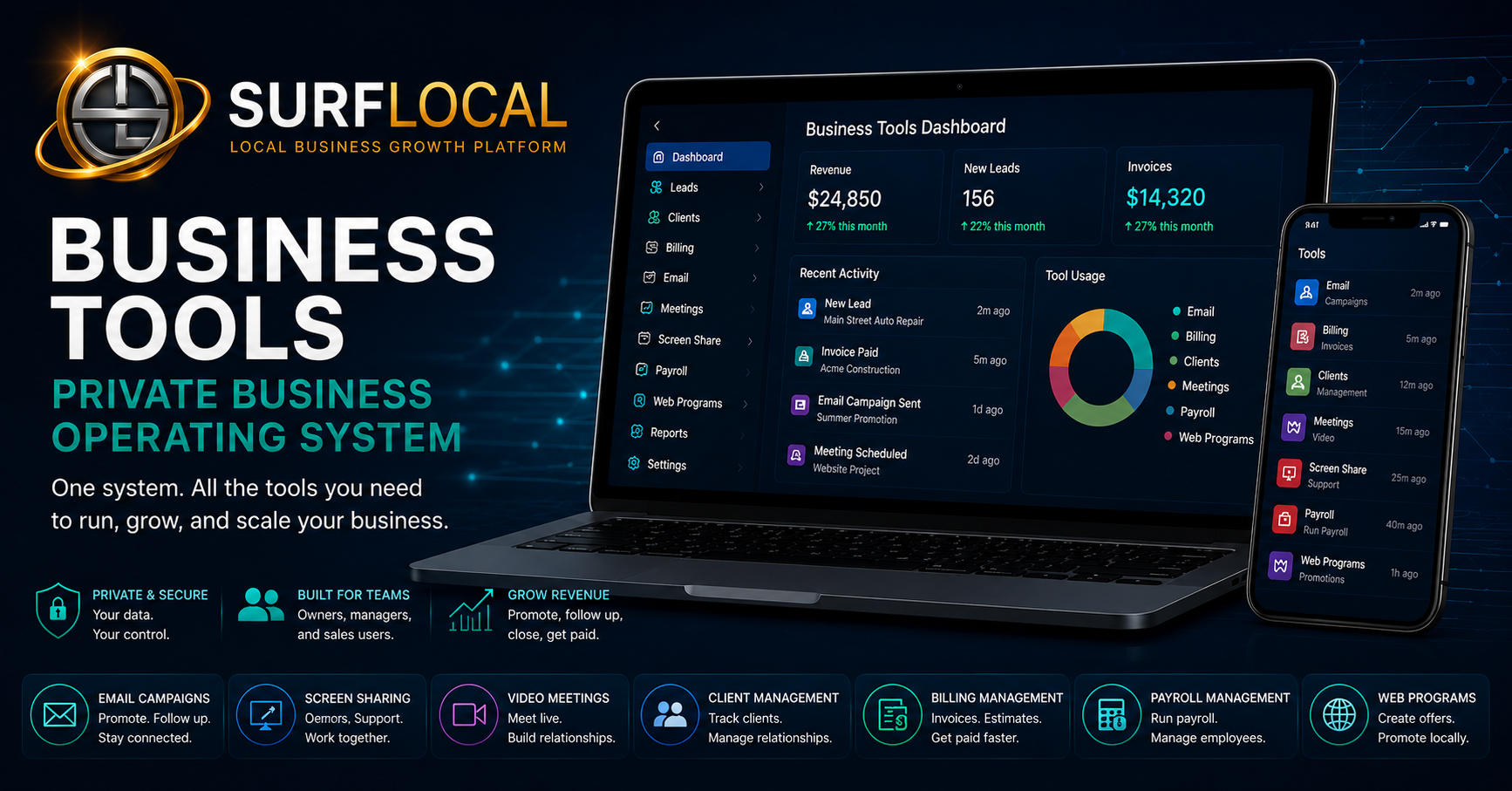
Run the daily parts of your business from one private place instead of jumping between disconnected software. Businesses that respond faster, stay organized, and follow up consistently usually win more customers and keep them longer.



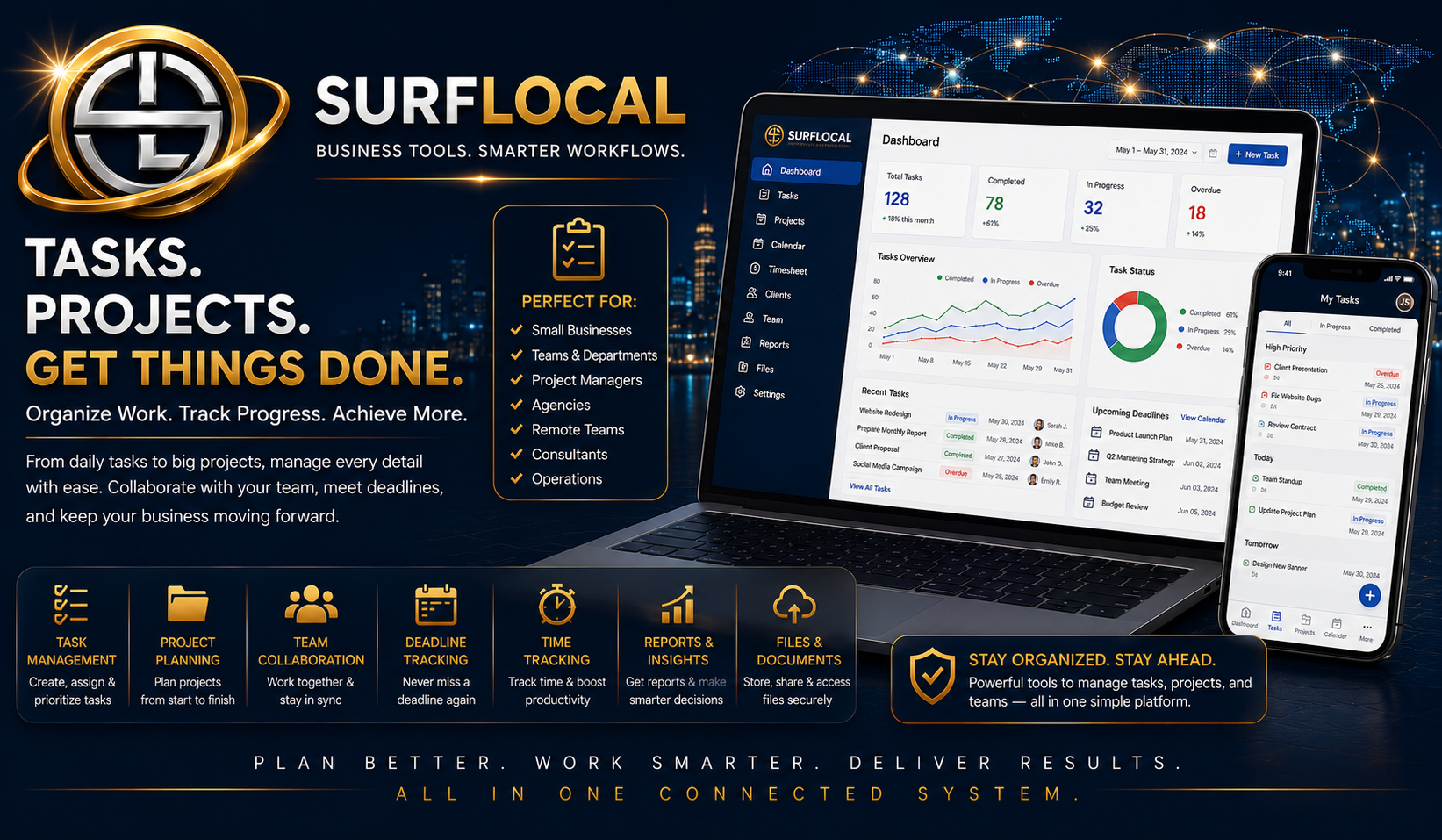

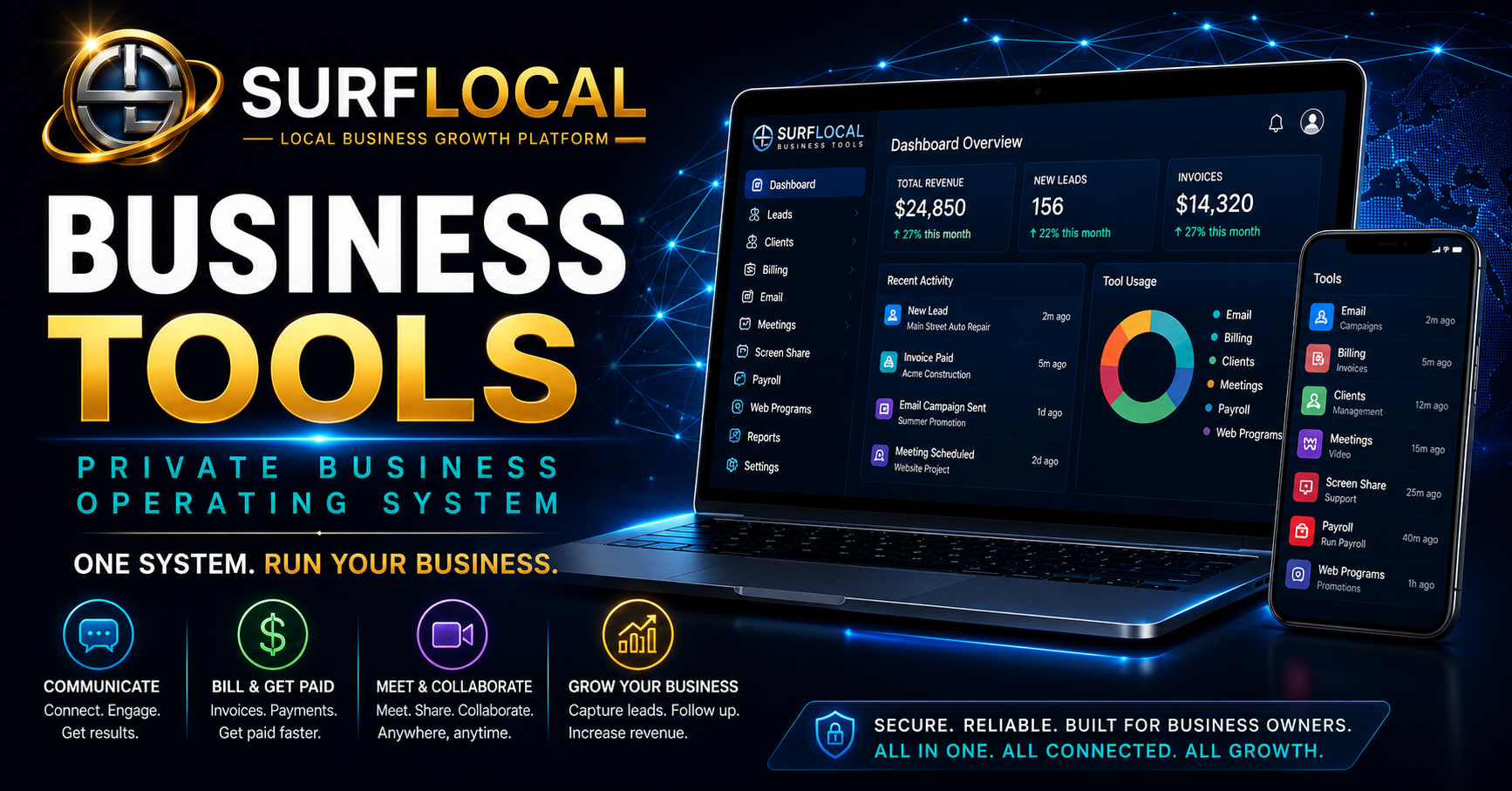

Business Tools Dashboard
Private account control, team access, tool activation, and subscription management
Core
Purpose: Start with your private Surflocal Business Tools account and control your team, tools, billing, upgrades, and downgrades from one secure back office.
Includes access to:
- Private business tools dashboard
- Owner account with secure account-level control
- Included team setup: 1 owner, 2 managers, and 3 sales users
- Add more managers and sales users as your business grows
- Activate, upgrade, downgrade, or remove selected tools inside your account
- Manage your active subscription and monthly tool stack from one place
- Central launcher for all active Surflocal business tools
$0/mo
Base platform account
Email Campaigns
Customer emails, lead follow-up, promotions, reminders, and reactivation campaigns
Select
Purpose: Send organized emails to leads, customers, and selected contact groups. Use it for sales follow-up, customer updates, appointment reminders, promotions, newsletters, and reactivation campaigns.
Core features:
- Send individual customer emails or larger campaign messages
- Follow up with selected leads from the Lead Management tool
- Send promotions, announcements, reminders, and newsletters
- Reach past customers for repeat business and reactivation
- Organize customer communication from one business dashboard
- Keep outreach connected to your sales and follow-up workflow
$39/mo
Per month
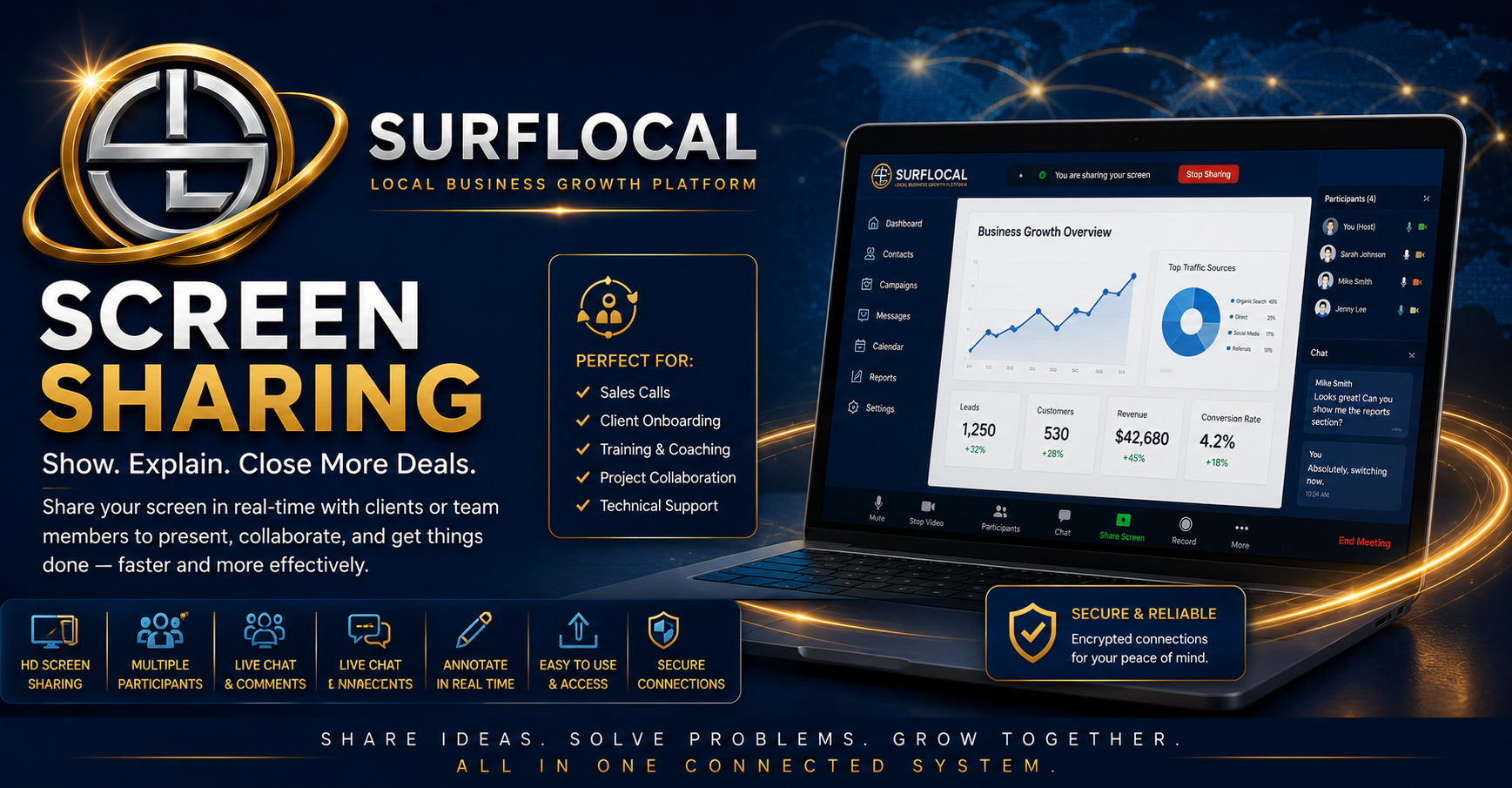
Private Screen Sharing
Secure client walkthroughs, remote support, demos, training, and guided sales presentations
Select
Purpose: Meet privately with customers, leads, staff, or partners and guide them through anything on screen. Use it for live sales presentations, product demos, onboarding, remote troubleshooting, training, estimate reviews, website reviews, and step-by-step support.
Core features:
- Private one-on-one or small team screen sharing sessions
- Live sales presentations and customer walkthroughs
- Remote troubleshooting, training, and guided support
- Review websites, forms, estimates, reports, documents, and dashboards in real time
- Help customers understand services before they buy
- Support internal staff training without requiring an outside meeting platform
$29/mo
Per month
Private Video Meetings
Secure in-account video meetings for customers, staff, sales calls, onboarding, and support
Select
Purpose: Host private video meetings directly inside your Surflocal Business Tools system. Meet face-to-face with customers, leads, staff, managers, or partners without sending people to a public third-party meeting platform.
Core features:
- Private video meeting rooms inside your business tools account
- Host up to 9 people in one private video chat session
- Use for sales calls, customer consultations, onboarding, and service reviews
- Meet with owners, managers, sales staff, customers, leads, or partners
- Support real-time conversations without relying on outside meeting links
- Keep client communication connected to your private Surflocal system
$39/mo
Per month
Payroll
Employee records, payroll runs, onboarding packets, tax settings, document storage, and audit tracking
Select
Purpose: Run payroll from inside your private Surflocal Business Tools system. Manage employees, pay rates, withholding settings, onboarding documents, payroll history, saved monthly payroll runs, and secure payroll records from one organized back office.
Core features:
- Employee payroll records with pay rate, status, withholding, and payment details
- Create and save monthly payroll runs with locked payroll snapshots
- Manage year-based payroll settings, tax setup, and employee withholding information
- Employee onboarding packet workflow for W-4, I-9, direct deposit, and required payroll forms
- Secure payroll document storage connected to each employee record
- Payroll history, audit logging, record tracking, and administrative review tools
$99/mo
Per month
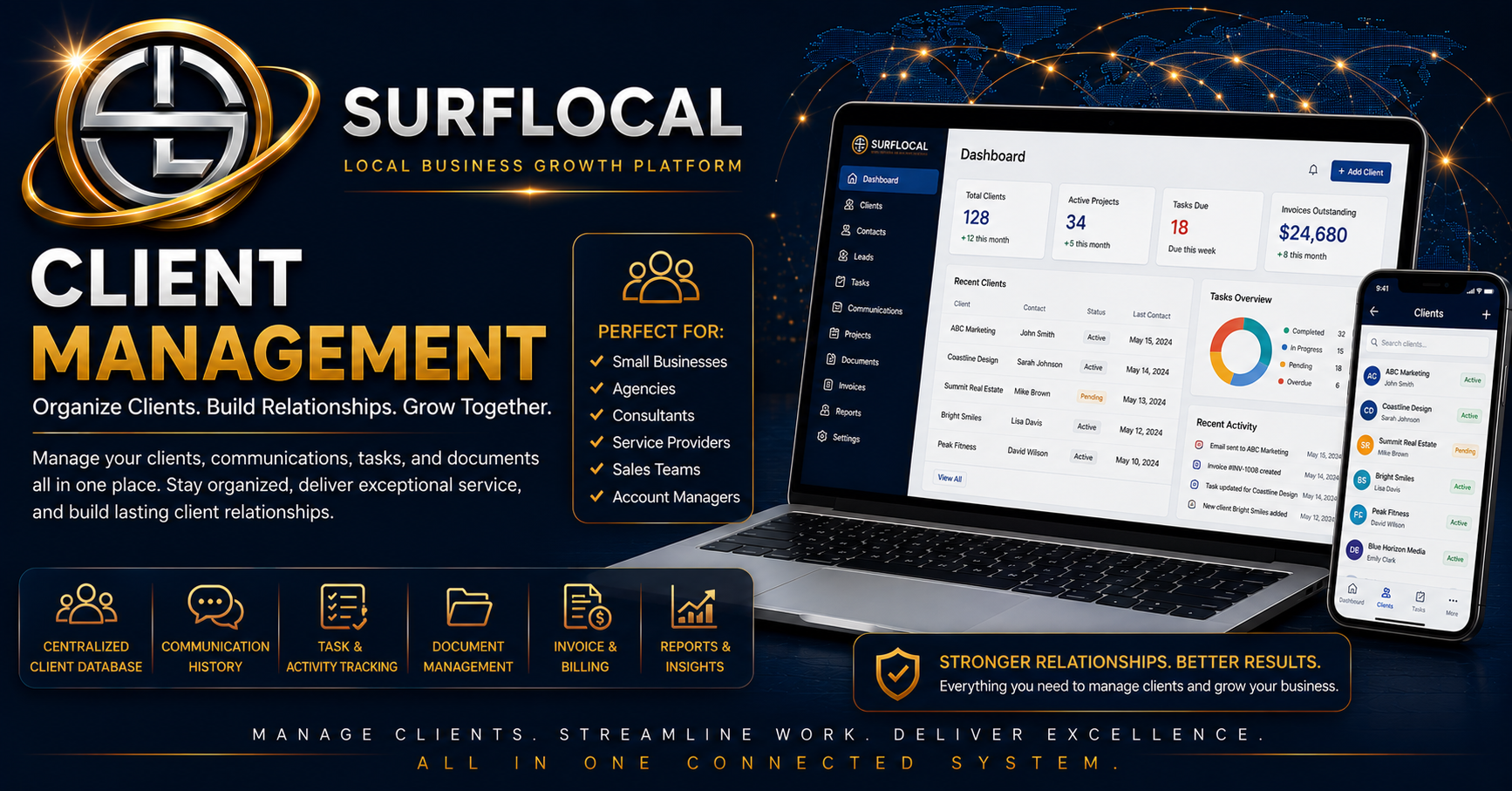
Client Management
One-page client records, file storage, folder organization, notes, status tracking, and account workflow
Select
Purpose: Manage each client from one simple, organized screen. Keep client details, account status, notes, files, folders, images, documents, instructions, and follow-up activity together inside your private Surflocal Business Tools system.
Core features:
- Easy one-page client management screen with clear instructions and simple navigation
- Client records with contact details, account status, notes, and relationship tracking
- Upload and save client files, folders, documents, and images
- Create named folders to keep each client account organized
- Built-in glossary and jump-to sections for faster account management
- Track follow-up, client activity, internal notes, and account oversight from one place
$69/mo
Per month
Billing Management
Quick bills, estimates, invoices, saved drafts, client links, email delivery, approval tracking, and payment status
Select
Purpose: Create, save, send, track, duplicate, convert, and manage customer billing documents from one private billing dashboard. Build quick bills, estimates, and invoices, email them to clients, share public review links, track document history, and keep every billing record organized inside the business account.
Core features:
- Create quick bills, estimates, bids, and invoices from one simple billing screen
- Save drafts, reopen documents, edit records, duplicate documents, and resend client copies
- Email saved documents to clients with sender name, sender email, and sender phone included
- Generate public client review links for estimates, invoices, quick bills, and approvals
- Convert approved estimates into invoices without rebuilding the document
- Track draft, sent, viewed, approved, paid, overdue, cancelled, balance due, and billing history
$79/mo
Per month
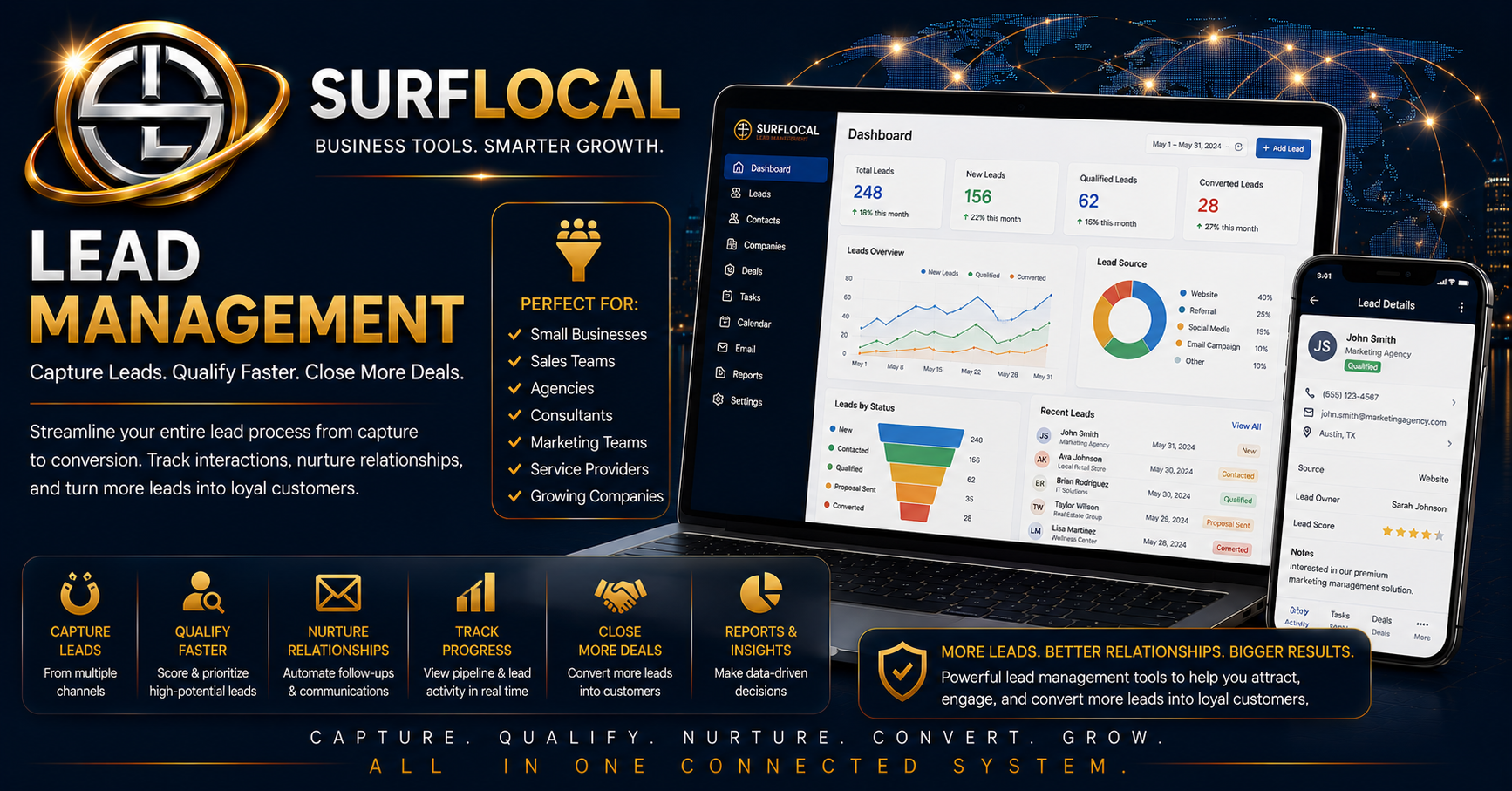
Lead Management
Lead inbox, salesperson routing, owner oversight, follow-up status, search, notes, and lead history
Select
Purpose: Capture, organize, assign, search, follow up, email, close, archive, and review leads from one private Lead Management system. New leads from web pages, campaigns, and sales activity can go to the assigned salesperson while also staying visible to the owner.
Core features:
- Central lead inbox for customer inquiries, website forms, lead pages, and campaign responses
- Route leads to owners, managers, or assigned sales users for clear responsibility
- Search lead records by customer details, source, status, notes, and follow-up activity
- Track New, Contacted, Working, Closed, Archived, and follow-up stages
- Keep lead notes, source details, customer contact information, and activity history together
- Pair with Web Programs and Email Campaigns to capture leads, follow up, and keep owner oversight
$79/mo
Per month
Web Programs
Lead generation pages, campaign pages, sales pages, forms, QR codes, image uploads, publishing, and lead routing
Select
Purpose: Build and publish standalone marketing and lead generation pages for services, offers, campaigns, events, products, fundraisers, announcements, or salesperson promotions. Each page gets a clean public URL, contact form, QR code, sharing tools, SEO structure, and automatic lead routing into the Surflocal system.
Core features:
- Create public lead generation pages with custom location slug and page slug URLs
- Build pages for promotions, specials, announcements, events, fundraisers, services, products, and campaigns
- Upload logos and hero images, choose background colors, edit headlines, offers, details, and CTAs
- Publish SEO-ready pages with meta descriptions, canonical URLs, social previews, and schema markup
- Capture customer leads through built-in forms with spam protection and security questions
- Send leads to the assigned salesperson while saving route-specific lead records for owner oversight
$59/mo
Per month
Your current tool stack
Your system is set up for control. The owner has full access to all tools. Managers oversee operations and manage team access. Sales users work from their own accounts. Tools and users can be adjusted from your dashboard as your business changes.
How does the full system work?
How does the full system work?
Business Tools Dashboard
Business Tools Dashboard
$0/mo
Estimated monthly total
$0/mo
Base account includes 1 owner, 2 manager seats, and 3 sales users. Additional seats can be added as needed.
You will be redirected to Stripe secure checkout.

Built for business owners, managers, sales teams, agencies, and growing organizations that need the right tools working together in one connected system.
Surflocal works best when the right people have the right tools. Use this step to tell us how your business is structured, who will be using the system, and what you want your team to accomplish.
- Business owners: confirm the overall system structure and business goals.
- Managers: identify who may need client management, billing access, or operational oversight.
- Sales teams and resellers: determine how many users may need communication, demo, outreach, and presentation tools.
Already have a Business Tools Account?
Returning clients can sign in here to access their Business Tools Dashboard and any tools currently enabled for their organization.
We can email your account key, username, login page, and dashboard access details.
Tell us about your organization and goals
This goes directly to David at Surflocal. The more clearly you describe your team structure, goals, and selected tools, the easier it is to match the system to your needs.