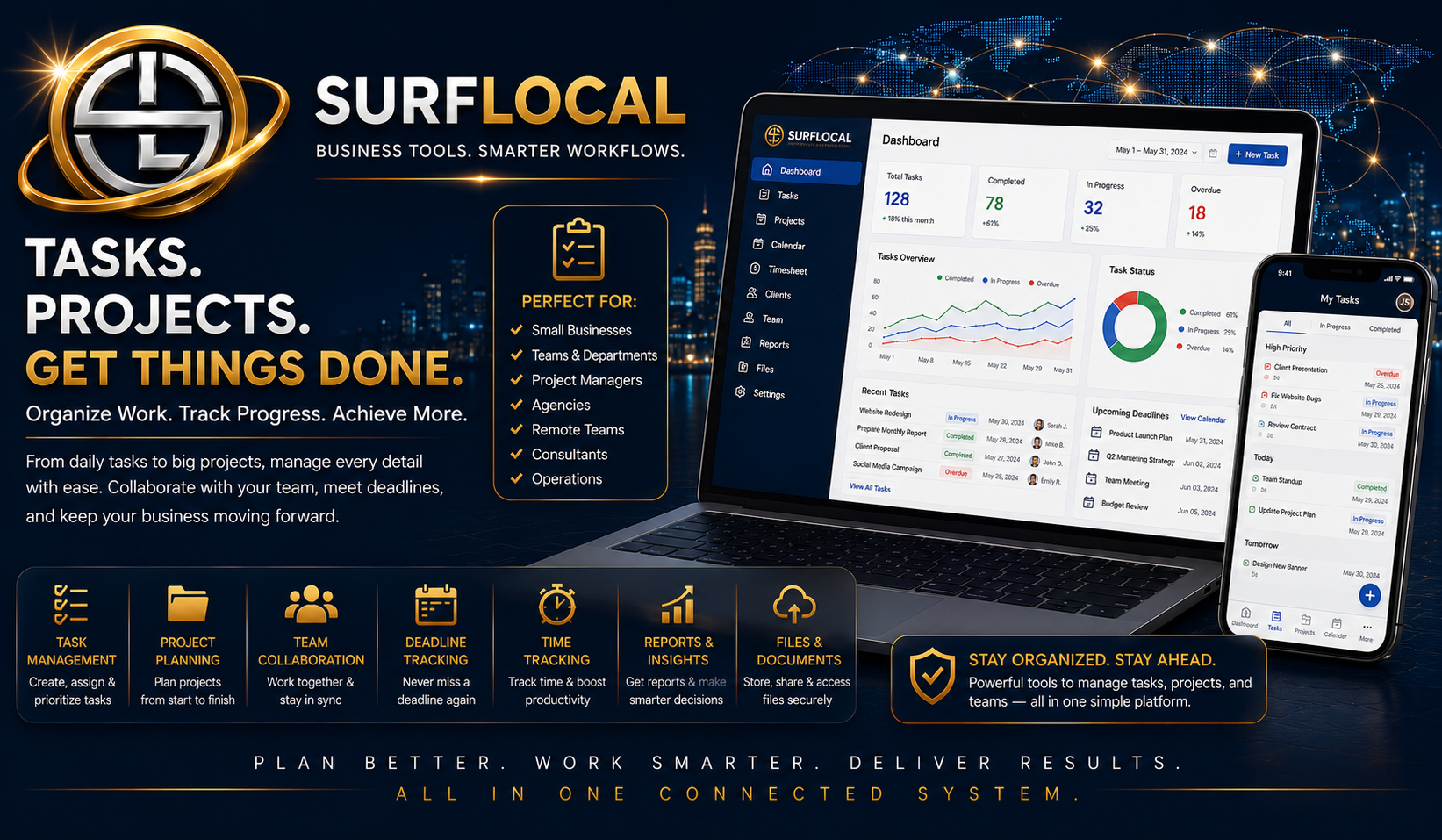
Projects drift when tasks, client files, notes, billing, and communication live in separate places.

Surflocal Project Management keeps business work connected to the client, the team, and the next action.

Starting price
Ask

Project Management features

Core Uses
  • Project and workflow organization
  • Client-related work tracking
  • Manager oversight support
  • Follow-up and progress visibility
  • Connects with client and billing workflows
How It Fits
This page is a standalone advertisement for Project Management. It can be used for social sharing, direct ads, customer education, and internal sales presentations.
Next Step
Start with the Business Tools Dashboard, then activate this tool as part of your private Surflocal operating system.
Next step Tell Surflocal how you want to structure your team and who will need Project Management access.
Surflocal Business Tools logo
Built for business owners, managers, sales teams, agencies, and growing organizations that need the right tools working together in one connected system.

Surflocal works best when the right people have the right tools. Use this step to tell us how your business is structured, who will be using Project Management, and what kind of work you want organized.

  • Business owners: describe the work, client projects, and operational visibility you need.
  • Managers: identify who needs project tracking, follow-up visibility, or team oversight.
  • Sales teams and resellers: explain how projects connect to clients, follow-up, and billing workflow.
Already have a Business Tools Account?
Returning clients can sign in here to access their Business Tools Dashboard and any tools currently enabled for their organization.
We can email your account key, username, login page, and dashboard access details.
Tell us about your organization and goals
This goes directly to David at Surflocal. The more clearly you describe your team structure, project workflow, and goals, the easier it is to match the system to your needs.
Back To Marketplace