Important follow-up is missed when tasks are scattered across memory, sticky notes, texts, and separate software.

Surflocal Task Management supports daily execution by keeping work tied to the business system and the people responsible.

Starting price
Ask

Task Management features

Core Uses
  • Task and next-step organization
  • Follow-up support
  • Manager oversight visibility
  • Sales-user work planning
  • Client and project workflow alignment
How It Fits
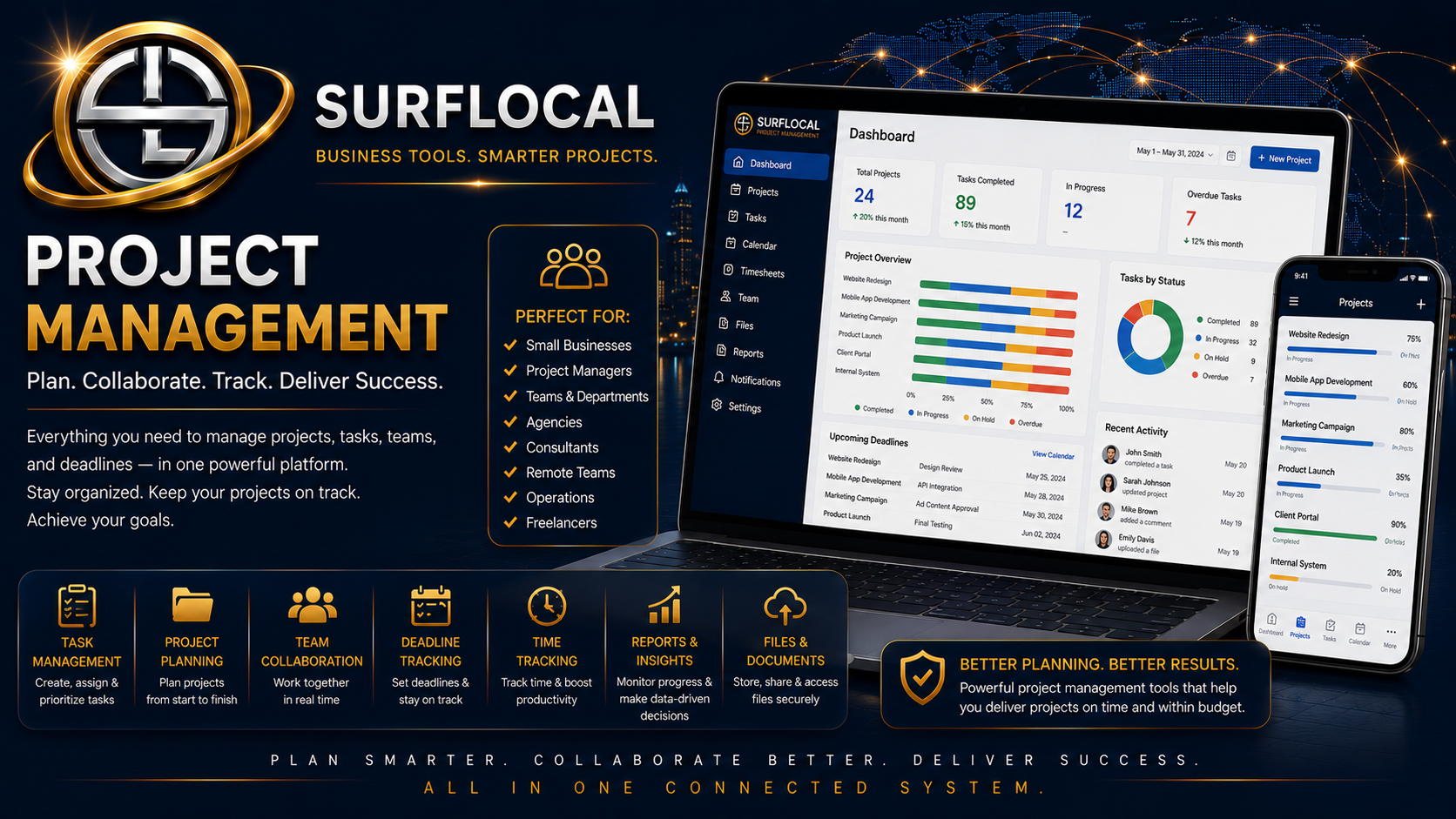
This page is a standalone advertisement for Task Management. It can be used for social sharing, direct ads, customer education, and internal sales presentations.
Next Step
Start with the Business Tools Dashboard, then activate Task Management as part of your private Surflocal operating system.
Next step Tell Surflocal how you want to use Task Management.
Surflocal Business Tools logo
Built for business owners, managers, sales teams, agencies, and growing organizations that need the right tools working together in one connected system.

Surflocal works best when the right people have the right tools. Use this step to tell us how your business handles tasks, follow-up, team responsibility, and daily work.

  • Business owners: define how work should be assigned, tracked, and completed.
  • Managers: identify where oversight, reminders, and follow-up visibility are needed.
  • Sales teams and resellers: explain how tasks should support outreach, client work, and next steps.
Already have a Business Tools Account?
Returning clients can sign in here to access their Business Tools Dashboard and any tools currently enabled for their organization.
We can email your account key, username, login page, and dashboard access details.
Tell us about your organization and task management goals
This goes directly to David at Surflocal. The more clearly you describe your team structure, follow-up needs, and task workflow, the easier it is to match the system to your needs.
Back To Marketplace